Vasion Sign
Designing an e-signature tool focused on simplicity, built natively into the Vasion Automate platform.
Context
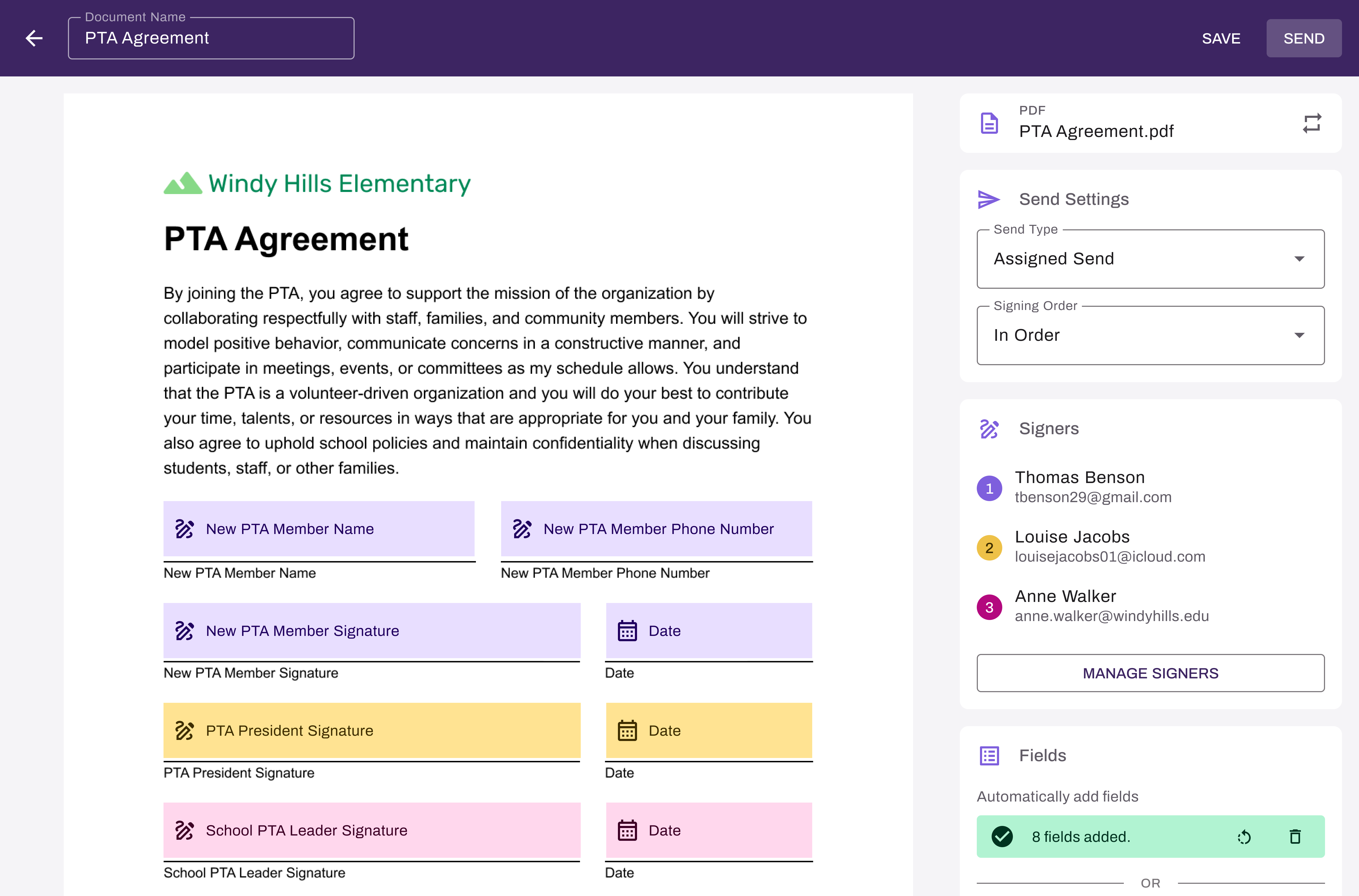
Background. Vasion Automate helps organizations digitize and streamline their business processes. Several years ago, an internal e-signature tool was built but it was shelved. It existed as an isolated system that couldn't communicate with the broader platform. An engineer recently solved the integration problem, reopening the opportunity. But the tool was outdated, misaligned with the current design system, and had never been validated with real users. That's where I came in.
The Real Problem. The original tool answered "can we build e-signature functionality?" It never answered "will users actually want to use it?" Five discovery calls revealed a consistent theme: people who regularly send documents for signature were sick of overcomplicated tools. The real problem was that without a redesign, this tool would have been just another one of them. Simplicity had to be the foundation the redesign was built on.
Constraints
No Design Foundation. The UX was outdated, flows were confusing, and nothing aligned with Vasion's current design system. I referenced it to understand core functionality, then rethought the interface and interaction model from scratch.
Timeline Pressure. Vasion Sign was scoped to launch alongside the broader Automate platform in May 2026, creating a fixed deadline that required fast prioritization and decisive calls throughout.
Engineering Feasibility Guardrails. With an inherited codebase already in play, some design directions required early negotiation with engineering to find solutions that were both buildable on schedule and genuinely good for users.
Key Decisions
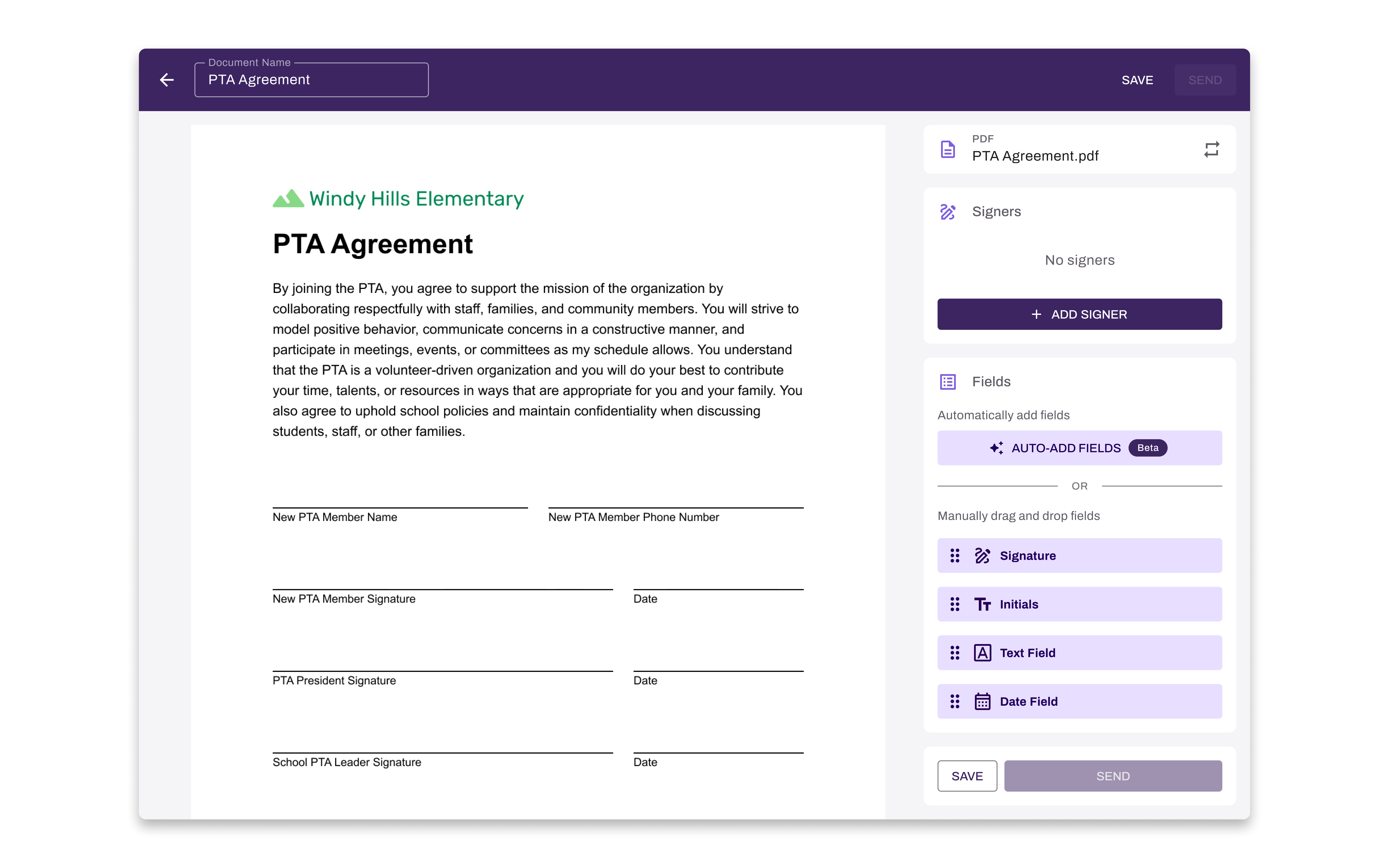
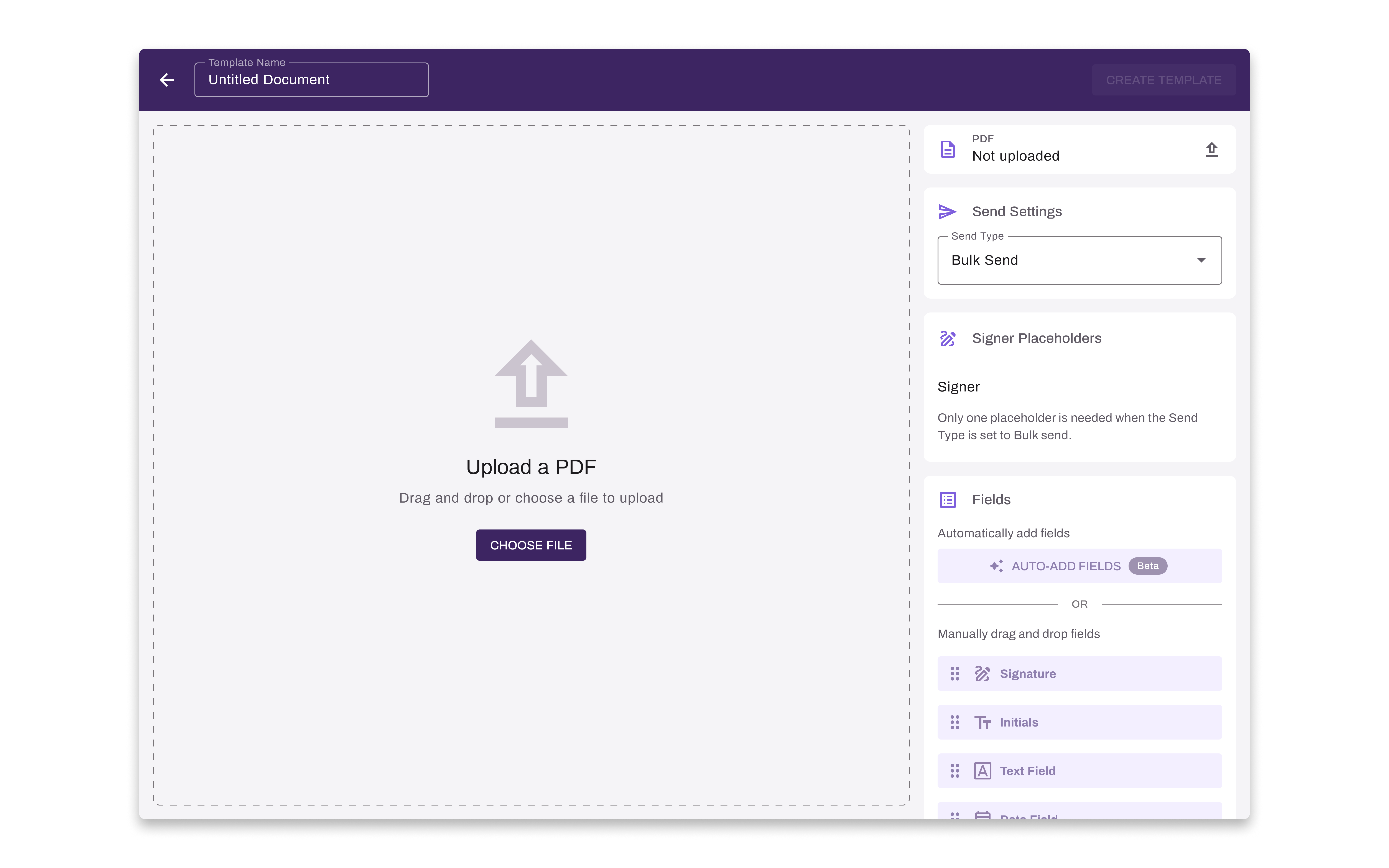
Single-Page Setup vs. Stepped Wizard. Early exploration included a wizard-style flow for document configuration, a common pattern in setup-heavy tools. I ruled it out. A multi-step wizard would have added navigational overhead without adding clarity, which ran counter to what users told us they needed. A single-page layout kept configuration visible and in context, with the tradeoff of a denser initial view, preferable to hiding information behind steps.
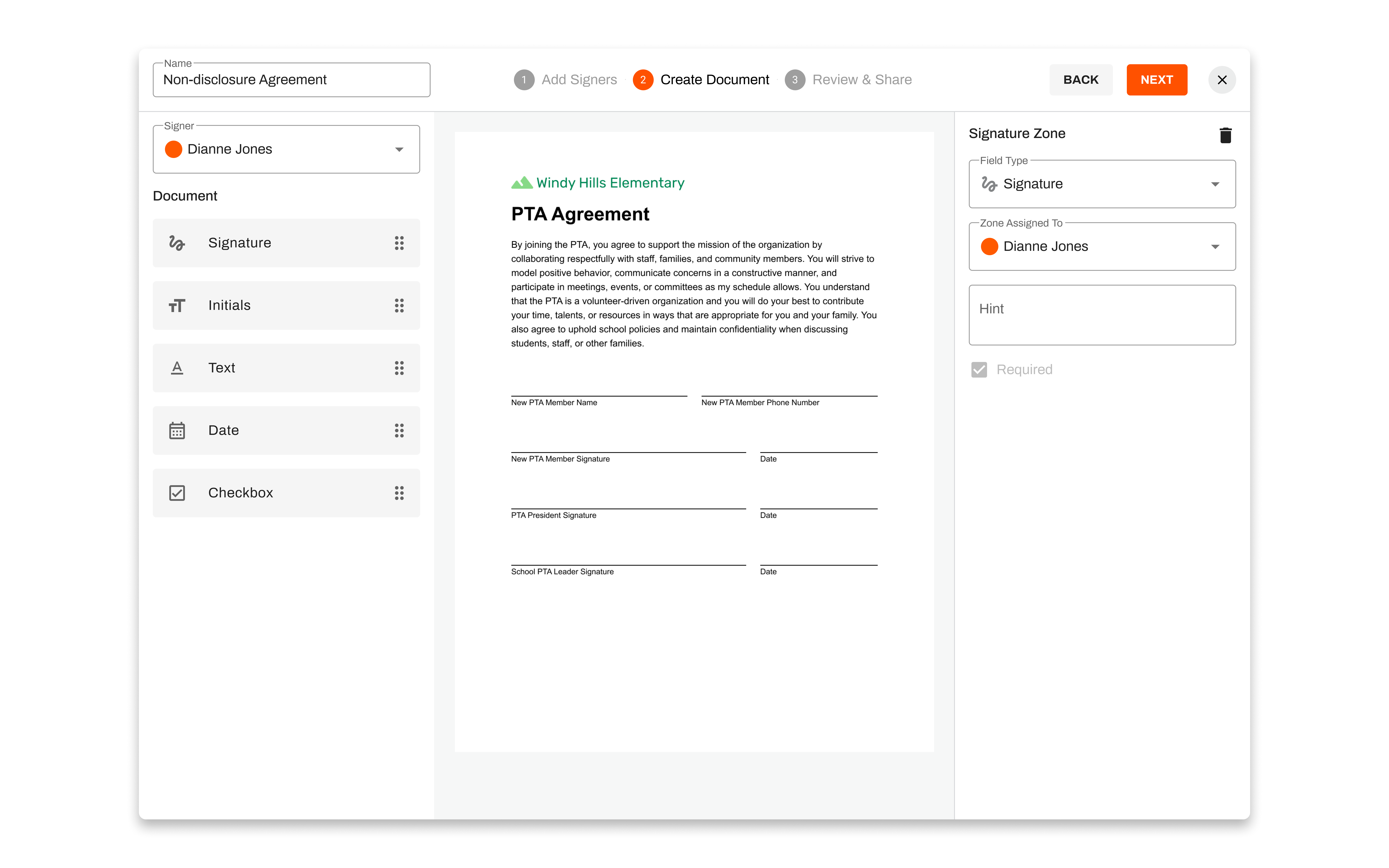
The Template Flow Pivot. My initial design let users save a document as a template at the end of the setup flow. Engineering flagged that mid-flow template-saving would require complex state management that wasn't feasible within our timeline. Rather than cutting templates, I reframed the entry point. Users now choose upfront whether they're creating a one-time document or a reusable template. This eliminated the technical problem while improving the experience.
Expected Outcomes
Vasion Sign launches in May 2026 alongside the Automate platform. The design is complete and currently in build. We're tracking toward two early success metrics: 500 documents sent within the first six months post-launch, and an average setup-to-send time of under two minutes. Both are set directly in response to what users told us mattered most.
Reflection
This project reinforced the value of designing with the end-to-end experience in mind from day one. Thinking ahead to how each feature connected to the next let me catch downstream issues early, reducing the late-stage redesign that quietly kills timelines. The template pivot was also a good reminder that engineering constraints, when surfaced early, sometimes produce better design outcomes than the original direction would have.
Interface Highlights
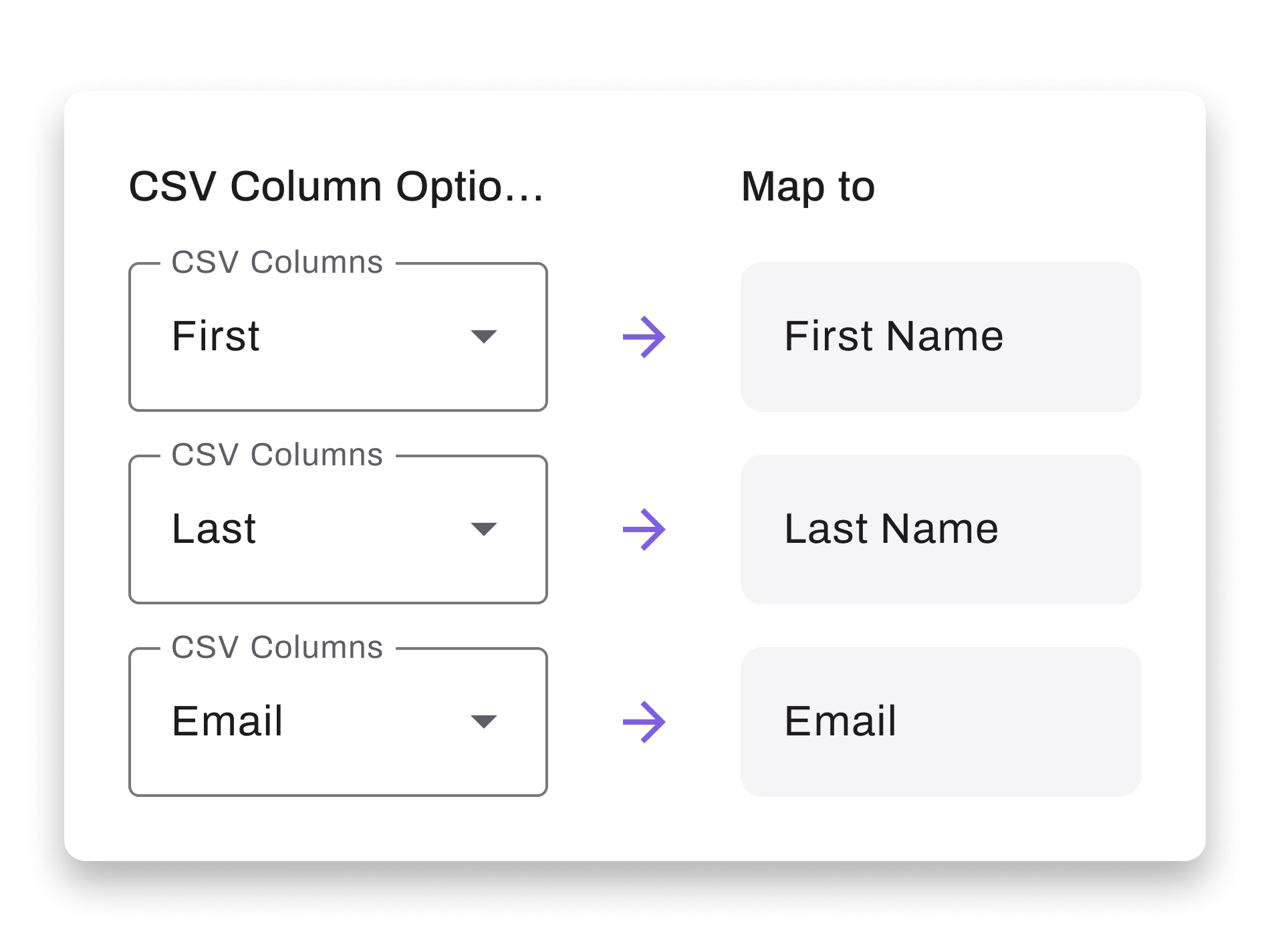
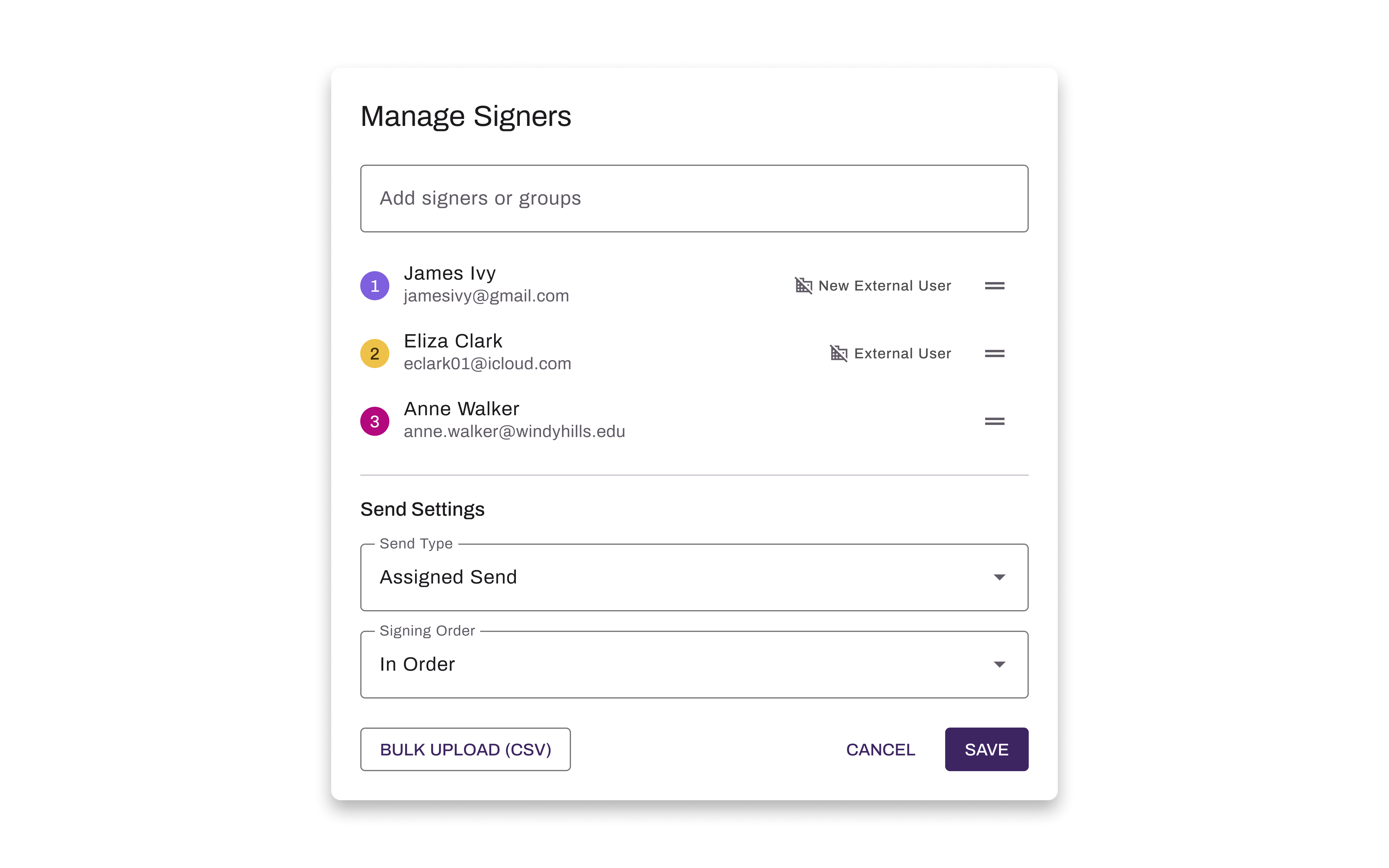
Signers can be added in bulk through a simple, intuitive CSV upload.
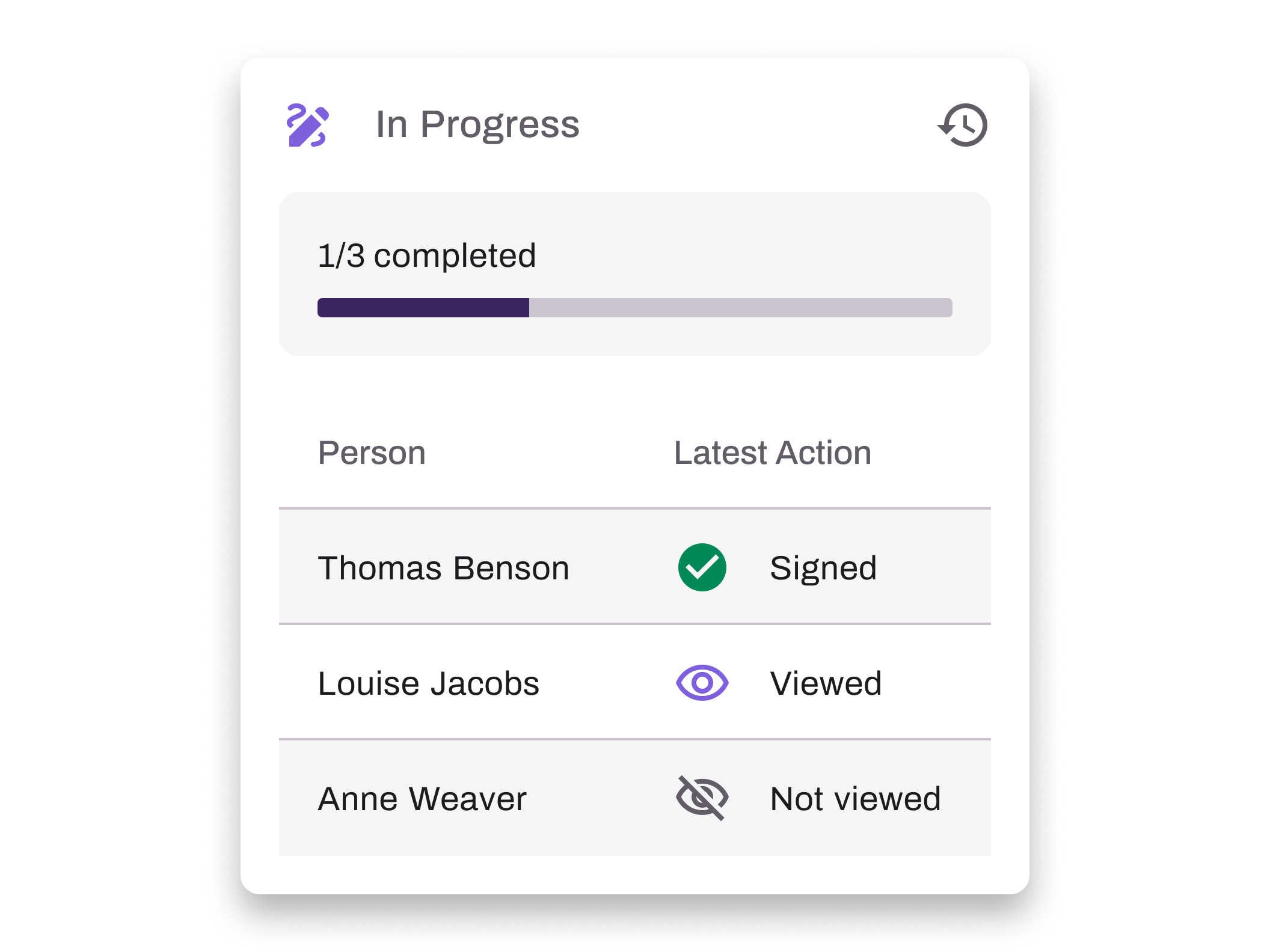
Sent documents are easy to track with at-a-glance status updates.
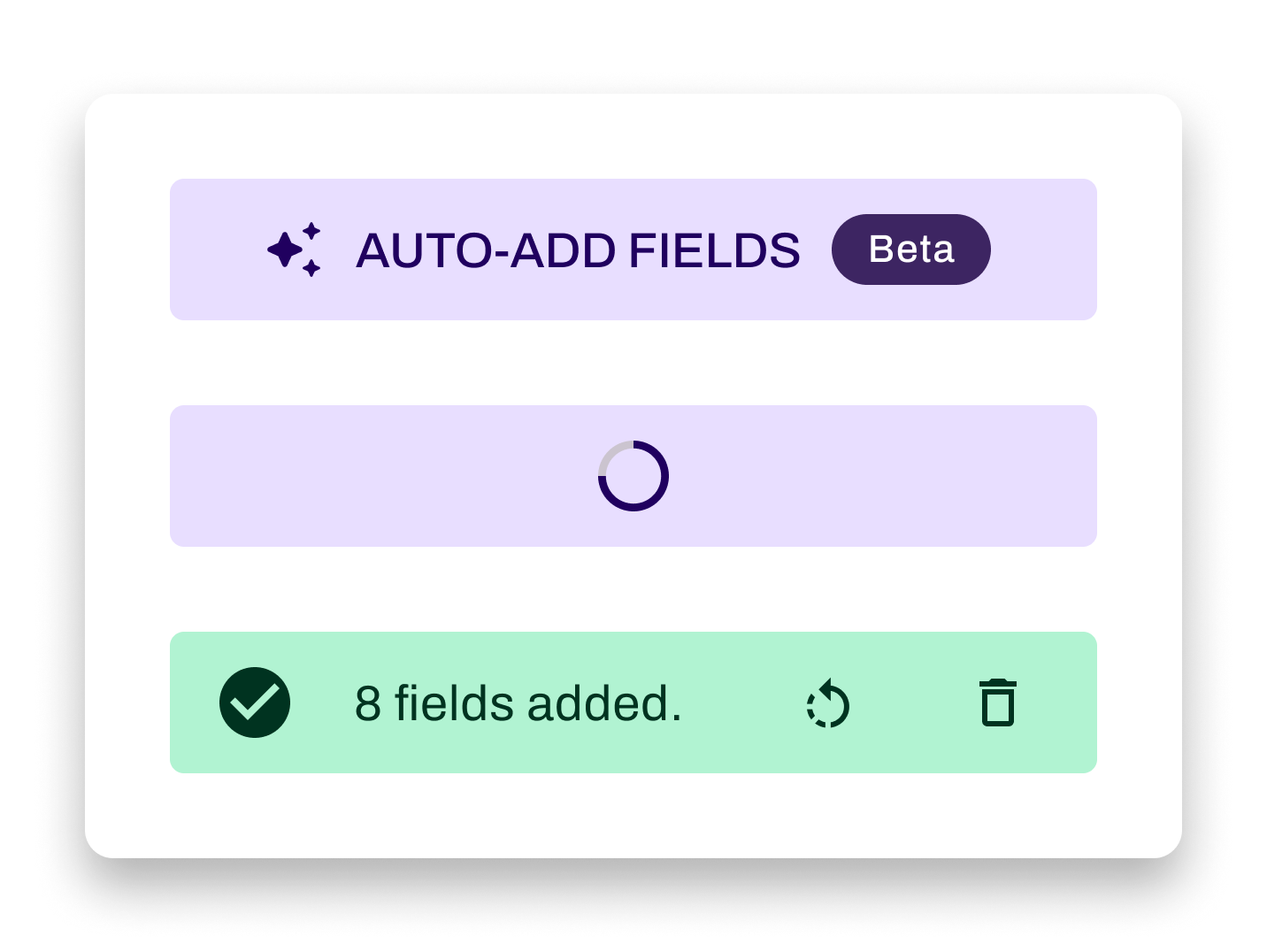
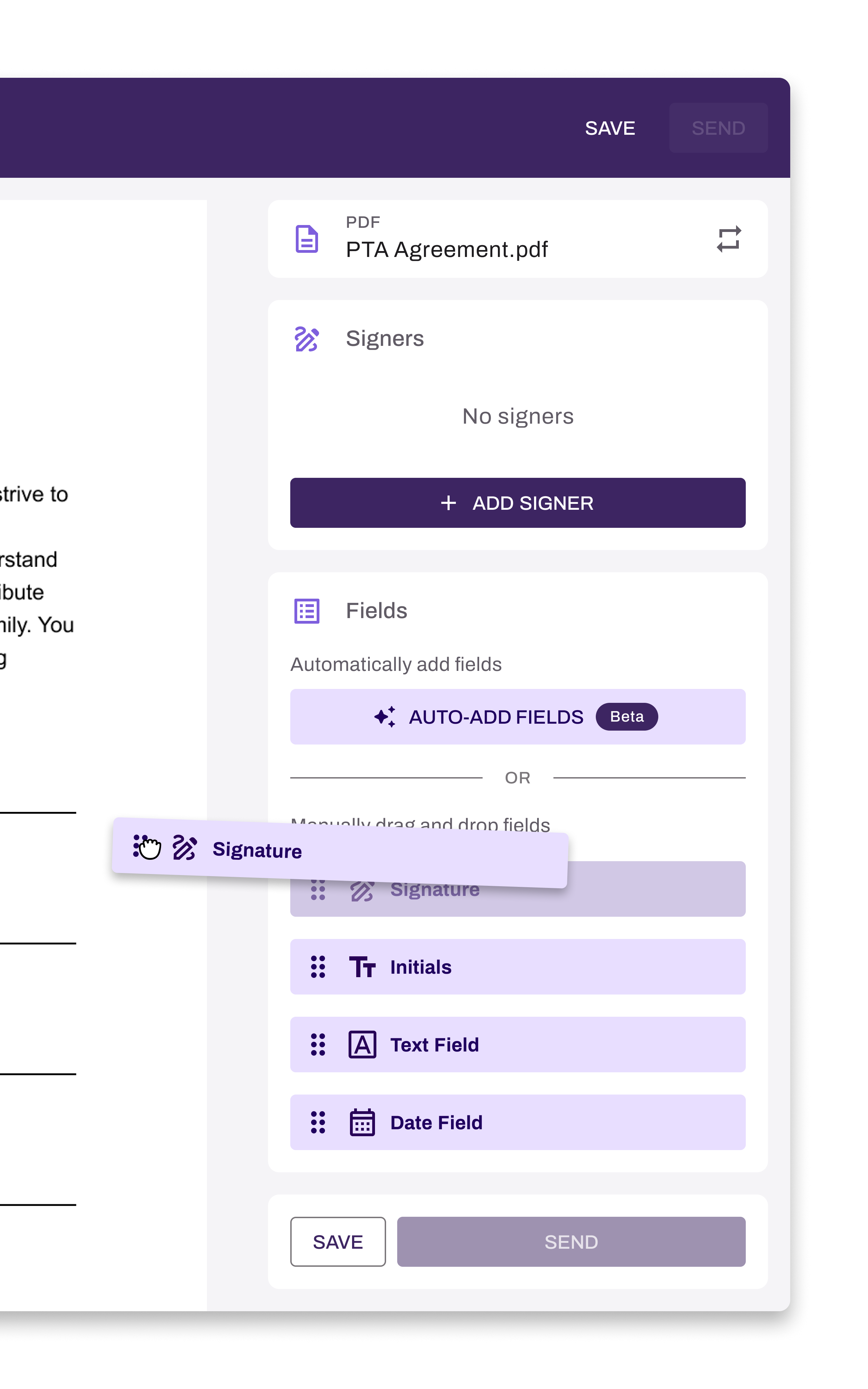
AI automatically adds fields, drastically reducing document setup time.